![Type=Full, Color=Light, Lockup=Default@2x.png]](https://7191758.fs1.hubspotusercontent-na1.net/hub/7191758/hubfs/Type=Full%2c%20Color=Light%2c%20Lockup=Default@2x.png?height=32&name=Type=Full%2c%20Color=Light%2c%20Lockup=Default@2x.png)
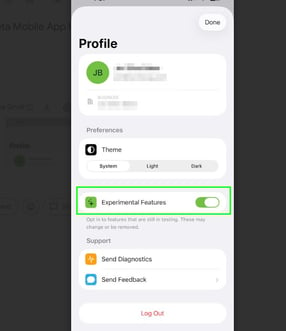
The Traction Mobile App now includes a beta release of field records, making it easier to capture field activities directly from your phone while you’re on the go. Follow the instructions below to learn how to activate the Beta Feature on the Traction Mobile app.
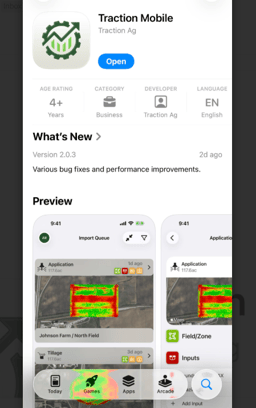
1. Download the Traction Mobile app from the Apple or Google Play Store.
2. Click on the Profile Icon located at the top left corner. 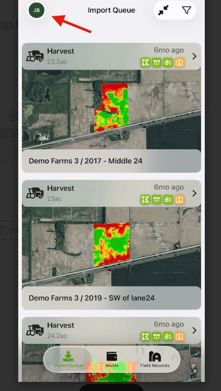
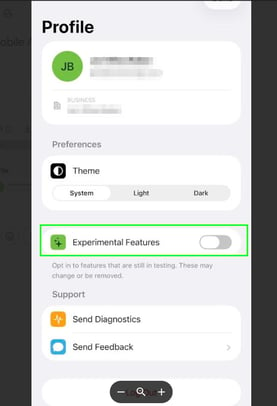
3. Within the Profile, find the toggle for Experimental Features and slide the bar on and then click Done at the top right.
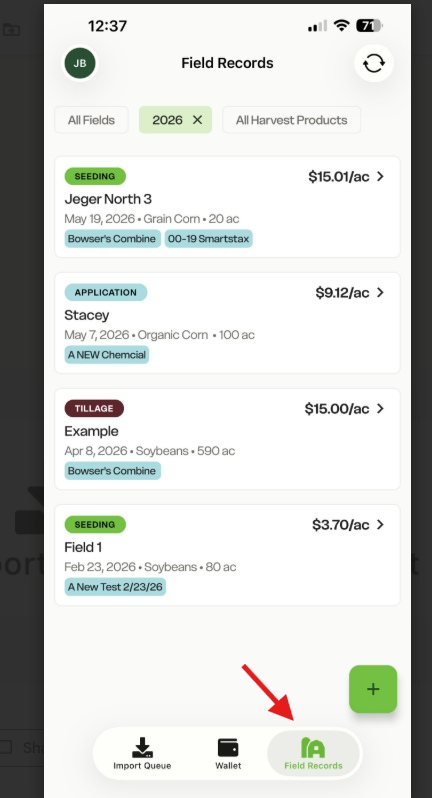
4. Return to the main page and now you will have the button Field Records available at the bottom right.