![Type=Full, Color=Light, Lockup=Default@2x.png]](https://info.tractionag.com/hs-fs/hubfs/Type=Full%2c%20Color=Light%2c%20Lockup=Default@2x.png?height=32&name=Type=Full%2c%20Color=Light%2c%20Lockup=Default@2x.png)
How is my cost per acre calculated?
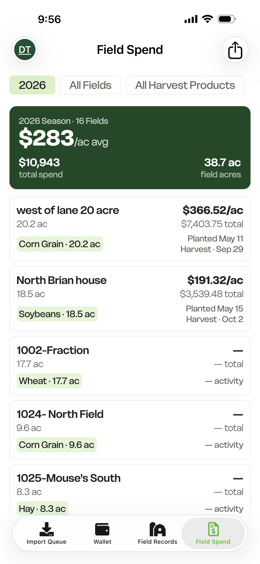
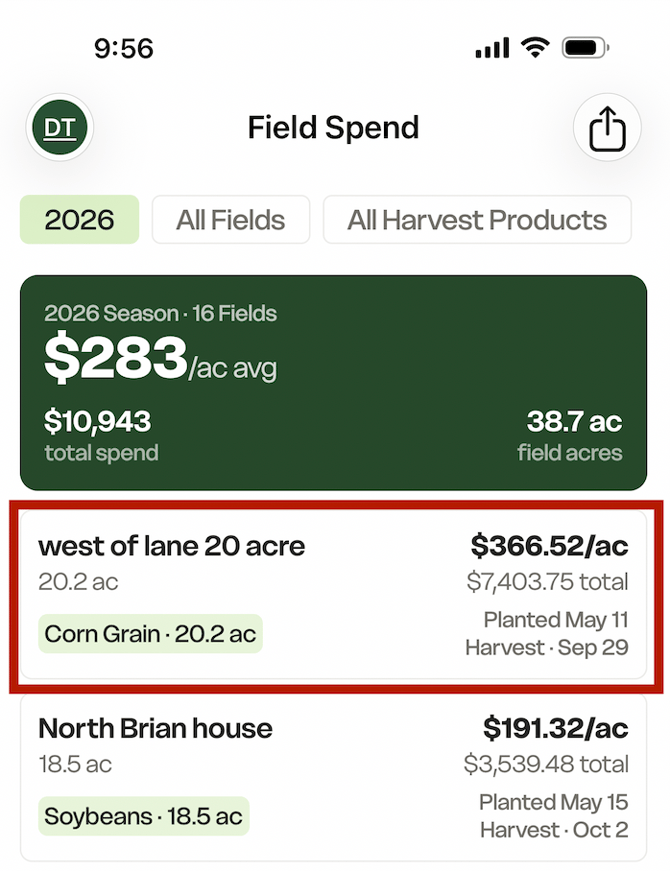
Field Spend also gives you two ways to view cost per acre: Field and Activity - depending on whether you want to analyze the cost of the ground or the cost of the work performed. Both views use the same spending dollars. The difference is the number of acres those dollars are divided by.
Changing the Acre Cost toggle does not change your total spend.
It only changes how your cost per acre is calculated. Read below to see how each cost type is calculated.
Filtering by Field |
Filtering by Activity |
|
Field calculates your cost per acre using the reporting acres of the field or crop zone. Each acre of ground is counted once, regardless of how many times that ground was worked during the season. Total Spend ÷ Field Acres = Cost per Acre Example:
Filtering by Field, the calculation is: $2,000 ÷ 100 acres = $20.00/acre
|
Activity calculates cost per acre using the acres recorded on your field activities.
100 acres + 100 acres = 200 Activity Acres The calculation becomes: $2,000 ÷ 200 Activity Acres = $10.00/acre
|
Frequently Asked Questions
What happens with partial field activities?
The difference between Field and Activity can be especially noticeable when you only work a portion of a field. For example, suppose you spot-spray 20 acres of a 100-acre field.
With Field, the cost of that application is spread across all 100 field acres.
With Activity, the cost is divided by the 20 acres actually covered.
This makes Activity useful when you want to understand the cost of the specific work performed.
Why does my Activity cost per acre look higher than expected?
Check whether your field records contain acres.
A field record can contain a cost without having activity acres associated with it. For example, you could record hourly equipment or labor costs without recording acres.
Those dollars are still included in your total spend, but the record contributes zero acres to the Activity calculation.
This can cause your Activity cost per acre to appear higher than expected. For the most accurate Activity cost-per-acre calculations, make sure your field records contain the appropriate acres.
Can I export my Field Spend?
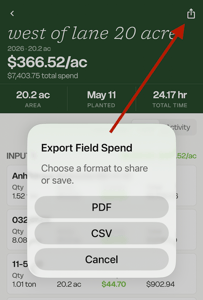
Yes. Use the Share/Export option to export your Field Spend information.
PDF and CSV exports use the Acre Cost basis you currently have selected.
The export also includes a Cost Basis field showing Field or Activity, so anyone reviewing the report can tell which method was used to calculate cost per acre.