![Type=Full, Color=Light, Lockup=Default@2x.png]](https://info.tractionag.com/hs-fs/hubfs/Type=Full%2c%20Color=Light%2c%20Lockup=Default@2x.png?height=32&name=Type=Full%2c%20Color=Light%2c%20Lockup=Default@2x.png)
You must have a minimum subscription of Plus in order to use this feature. Visit our Plans and Pricing page to learn more.
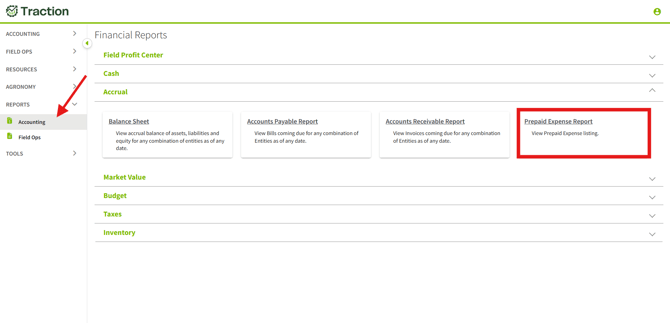
1. Navigate to Reports, Accounting, and expand the Accrual section. Click on Prepaid Expense Report.
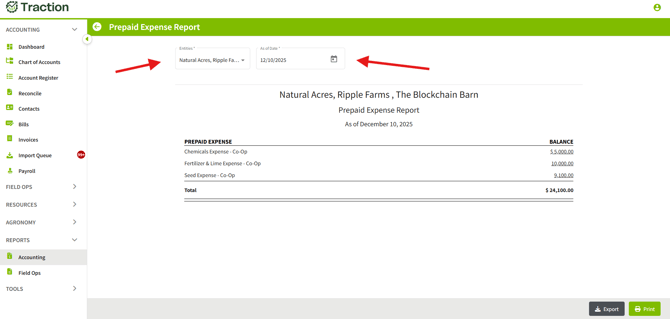
2. A Prepaid Expense Report will be generated for any entity you have set up and display the current date. You can click into each of these fields to filter entities and the desired date as needed.
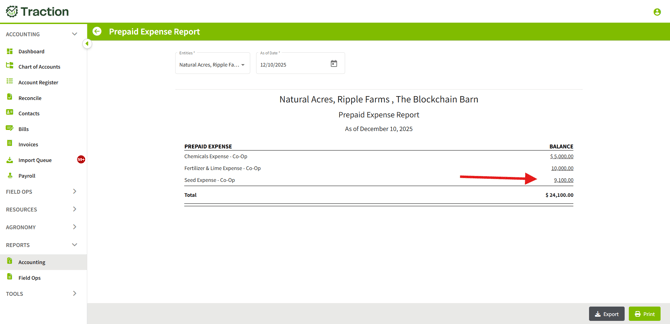
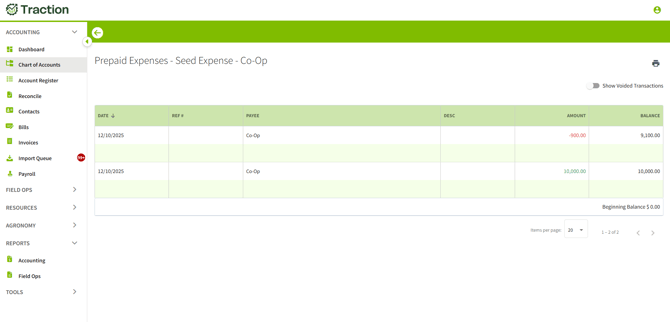
3. Find the desired Prepay and click on the underscored value on the right hand side to see a drill down of transactions related to this prepay.
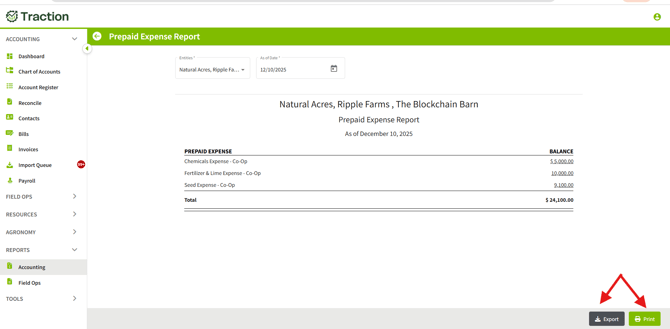
4. This report can be exported or printed as needed by clicking one of the two options as shown below.